

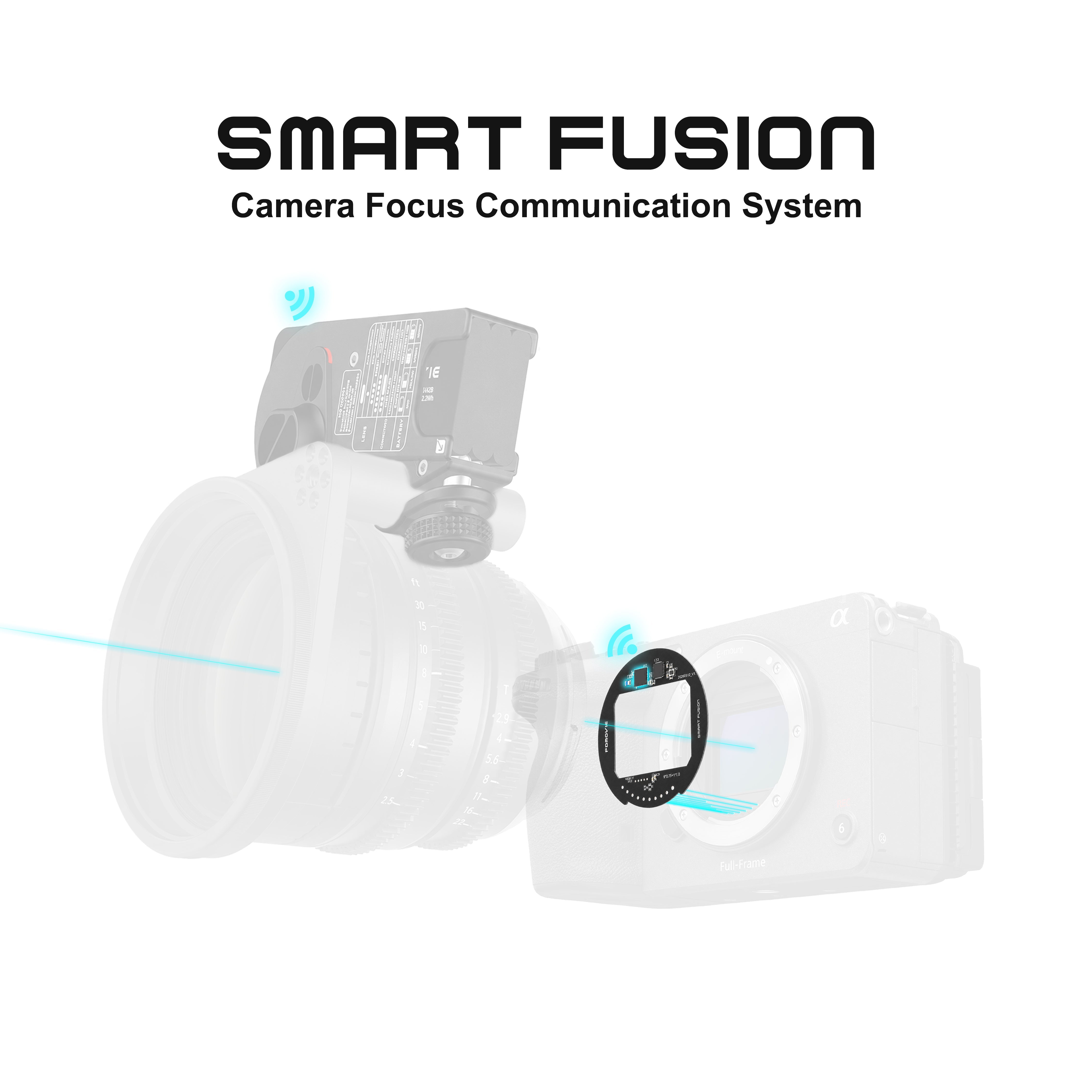
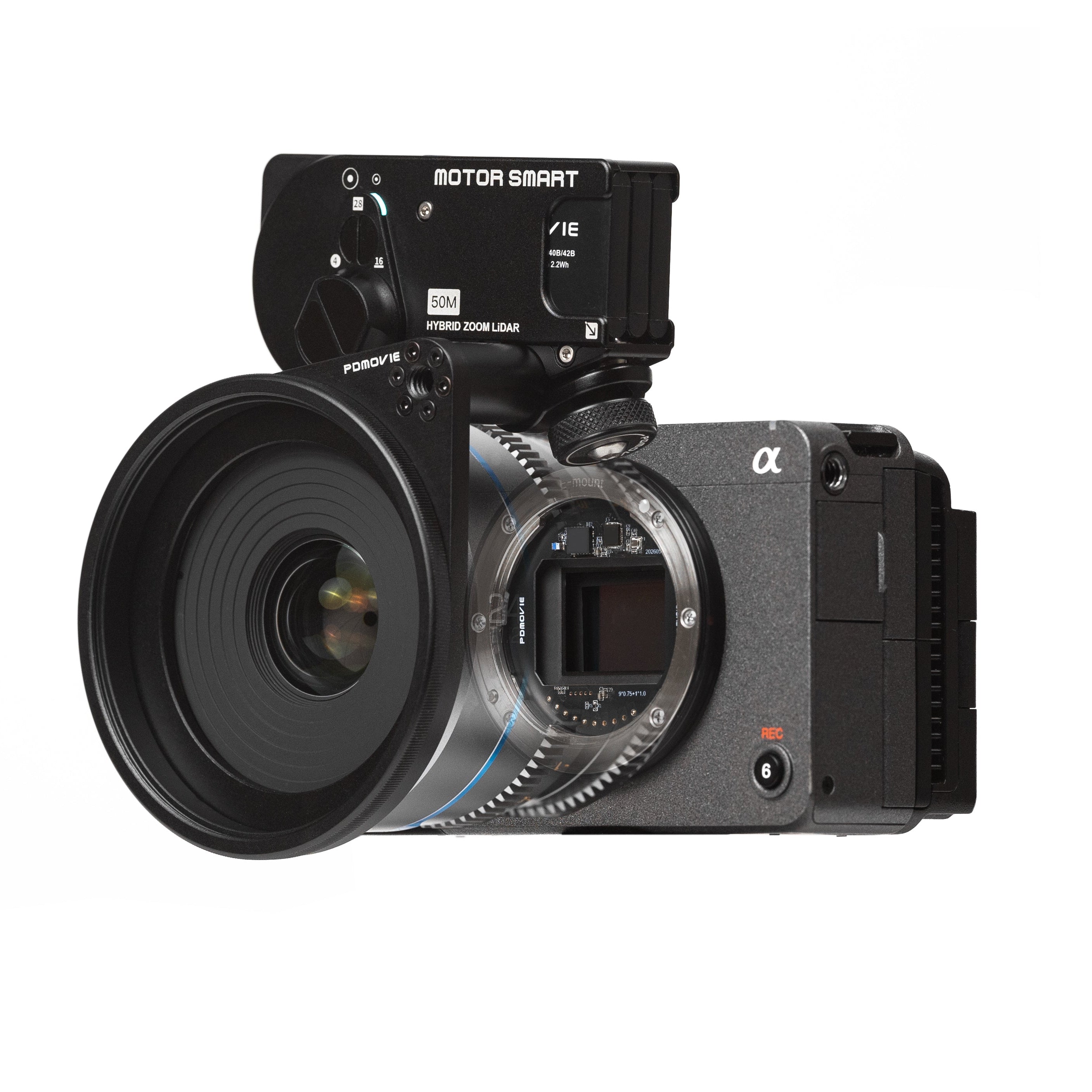
SMART FUSION is a Sony camera integration system designed specifically for LIVE AIR 4 SMART, enabling communication between the LIVE AIR 4 SMART LiDAR motor and Sony cameras.
It is designed to apply Sony’s built-in focusing functions to native E-mount manual focus lenses, or PL cinema lenses mounted via an E-to-PL adapter, enabling autofocus control that feels closer to a native lens experience.

Round 4 Pre-Order
Free Gift Pack Value $39 - $88!
Shipping Countdown
SMART FUSION
A dedicated Sony camera focus control integration system for LIVE AIR 4 SMART



Black Friday Deals


Note:
1. SMART FUSION is a pre-order product. The shipment will be dispatched within 15 days after the pre-order is successfully confirmed.
2. Orders will be shipped in the order in which they are placed. The shipping time may vary depending on the destination region and the selected shipping option.
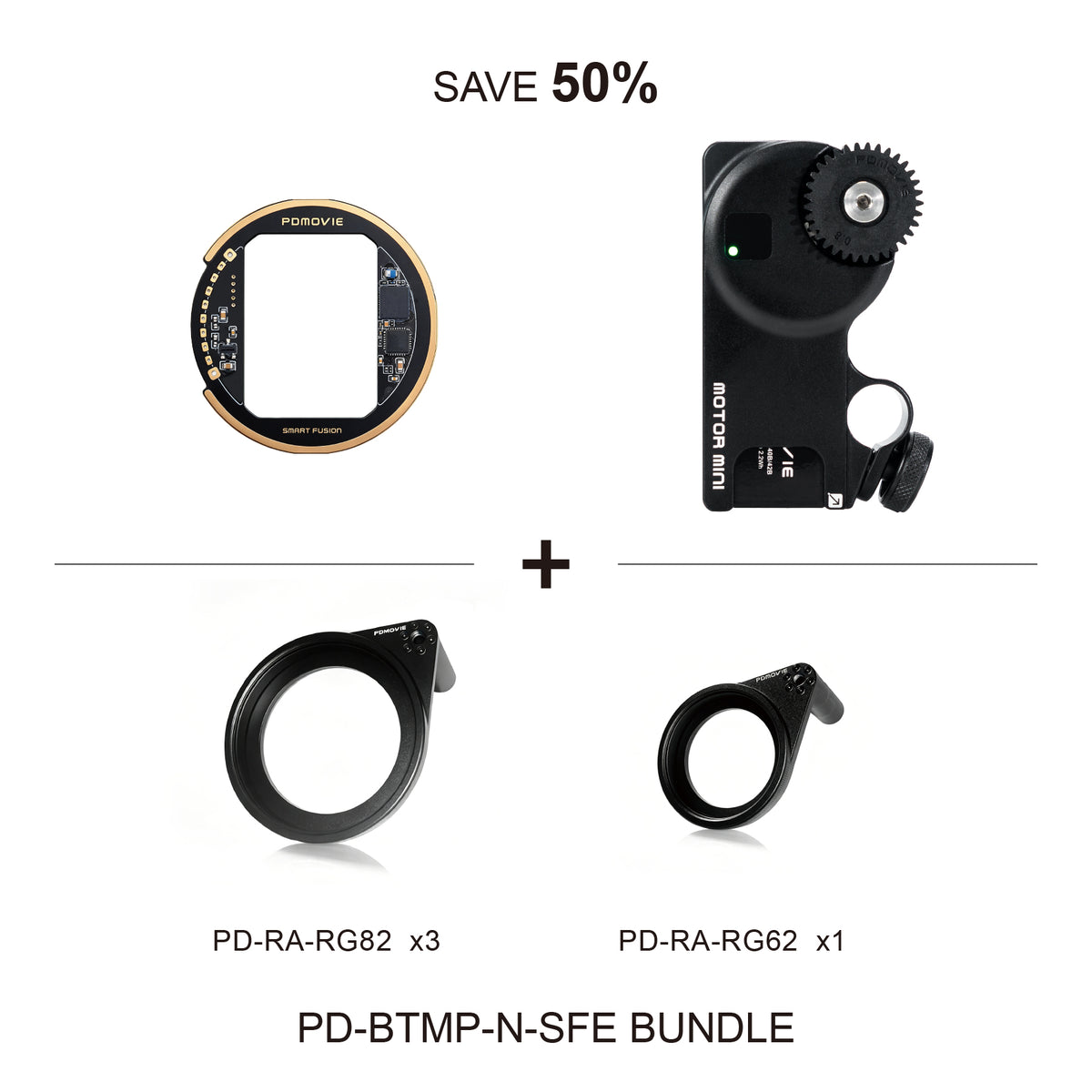
3. The LIVE AIR 3 motor included in the PD-BTMP-N-SFE kit features a new high-speed communication module and several other hardware updates. Due to these hardware differences, older LIVE AIR 3 motors are incompatible with SMART FUSION.
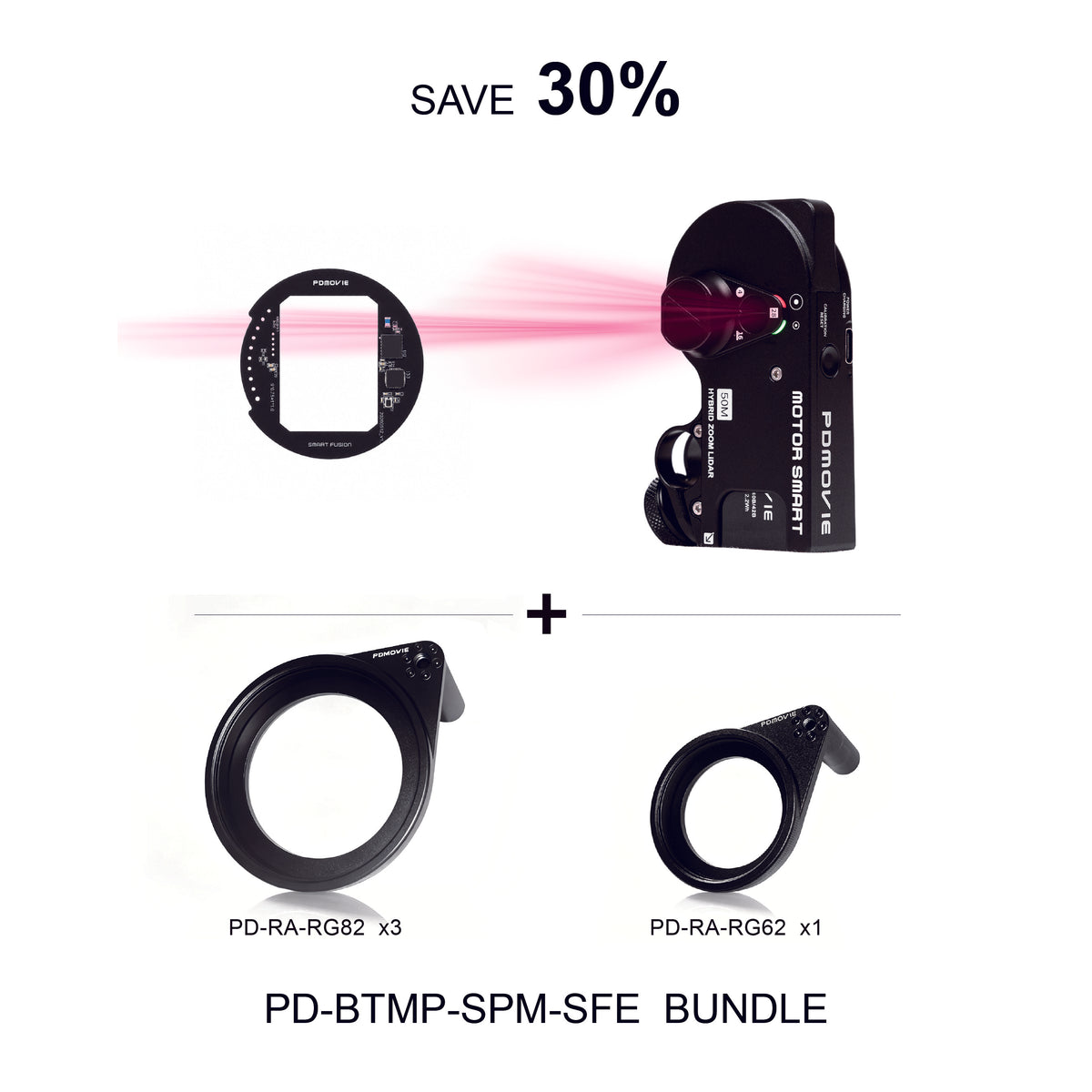
The LIVE AIR 3 motor in the PD-BTMP-N-SFE kit is suitable only for lightweight lenses with a focus ring that turns easily or a short focus throw. A stiffer focus ring or a longer focus throw may slow down focusing. If you need faster focusing, we recommend the PD-BTMP-SPM-SFE kit.
4. When purchased separately, SMART FUSION pairs only with the LIVE AIR 4 SMART motor. If you don’t already own this motor, you can choose from several SMART FUSION bundles that include a motor.
5. SMART FUSION currently supports only Sony Alpha and FX series cameras with a traditional locking E-mount, such as the FX3 and FX30. The camera must be set to Movie mode. (Please refer to the Compatible Cameras list below.)
6.After entering your shipping address, please choose the shipping method that best suits you.
7. Place your order now to receive the following gifts, available while supplies last:
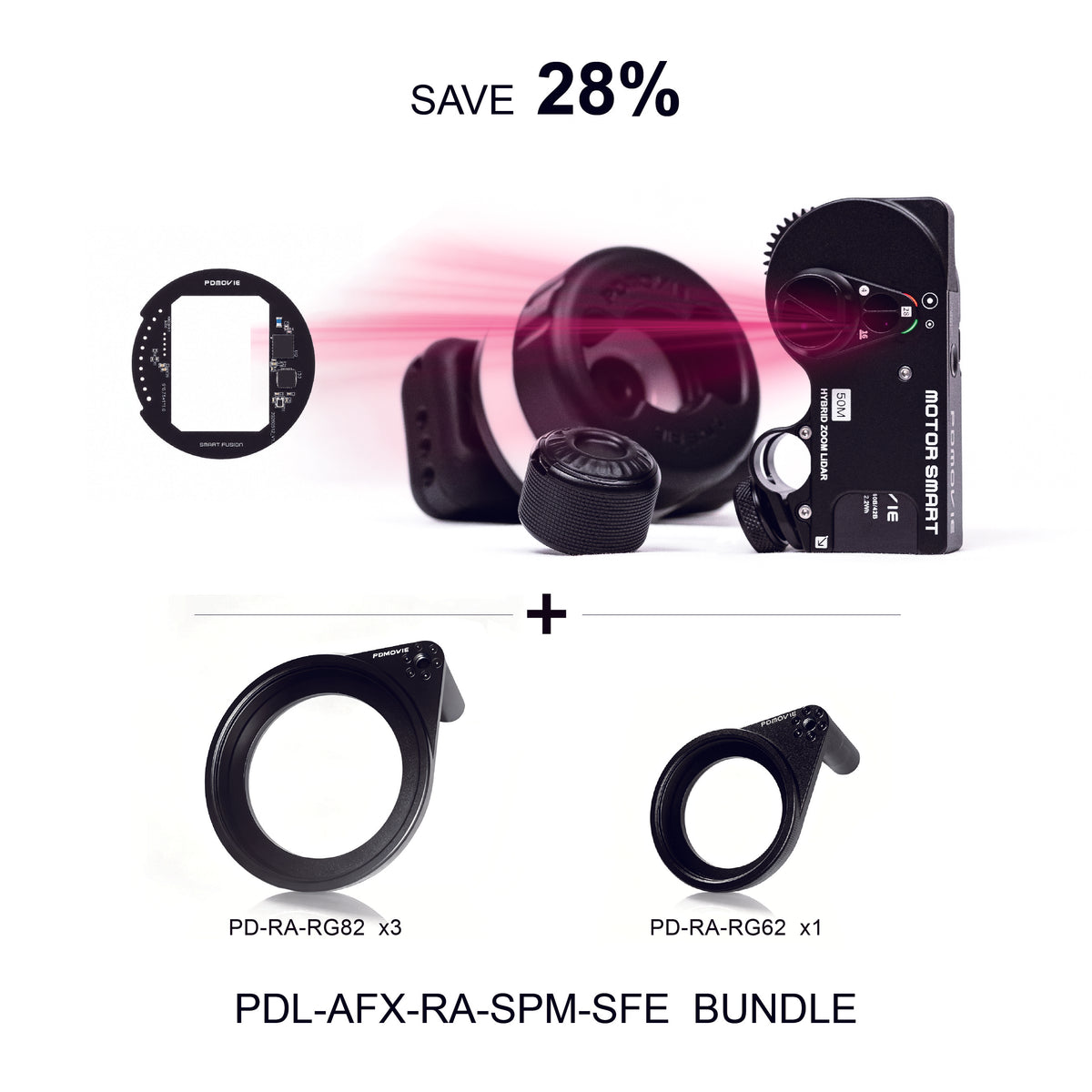
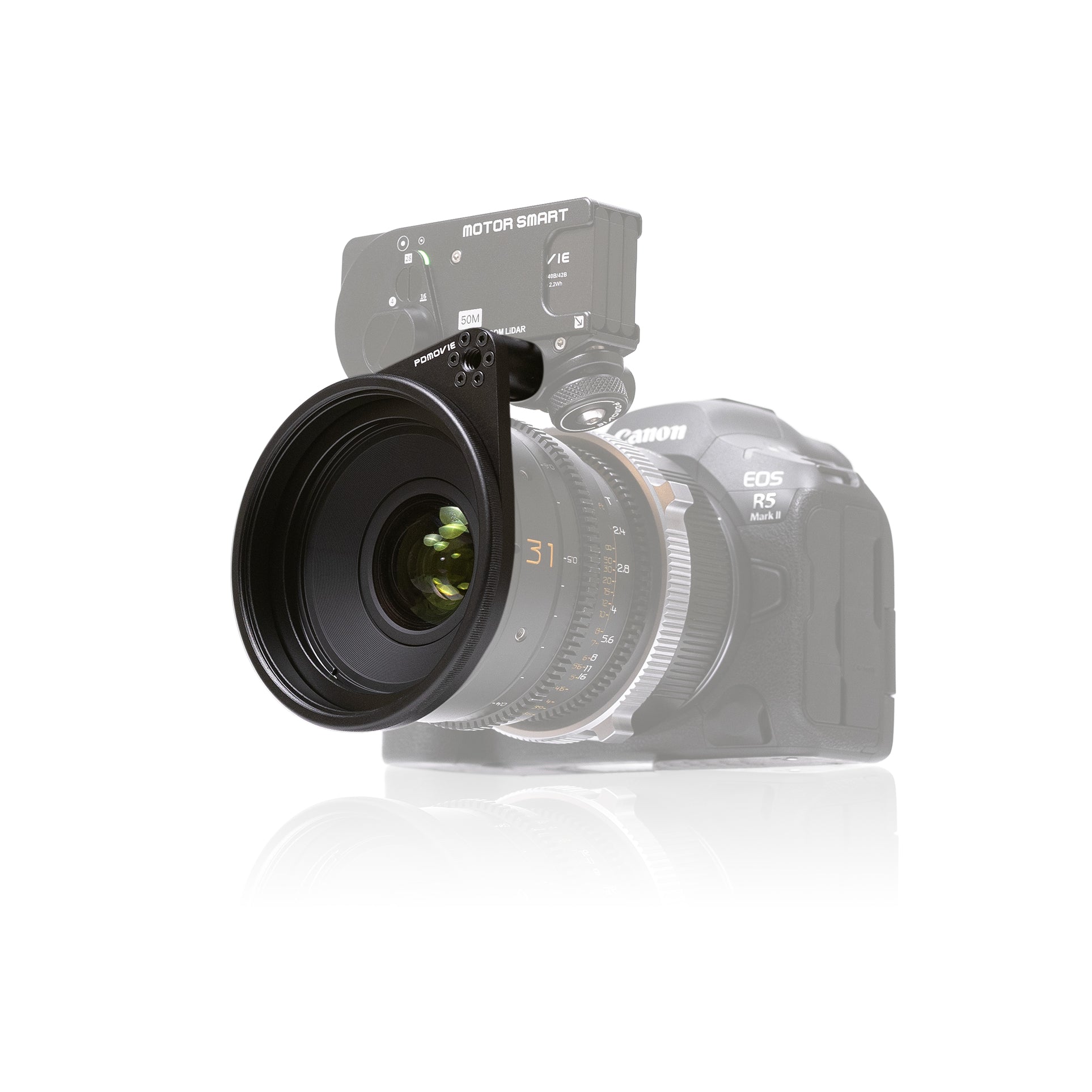
- One RIG AIR Lens Rod Ring PD-RA-RG82 ($39 Value) — not included with PD-SF-E.
- One RIG AIR Round Handle ($49 Value) — not included with PD-SF-E, PD-BTMP-N-SFE and PD-BTMP-SPM-SFE.
请在 YouTube Playlist Gallery 内添加 YouTube Video Item。


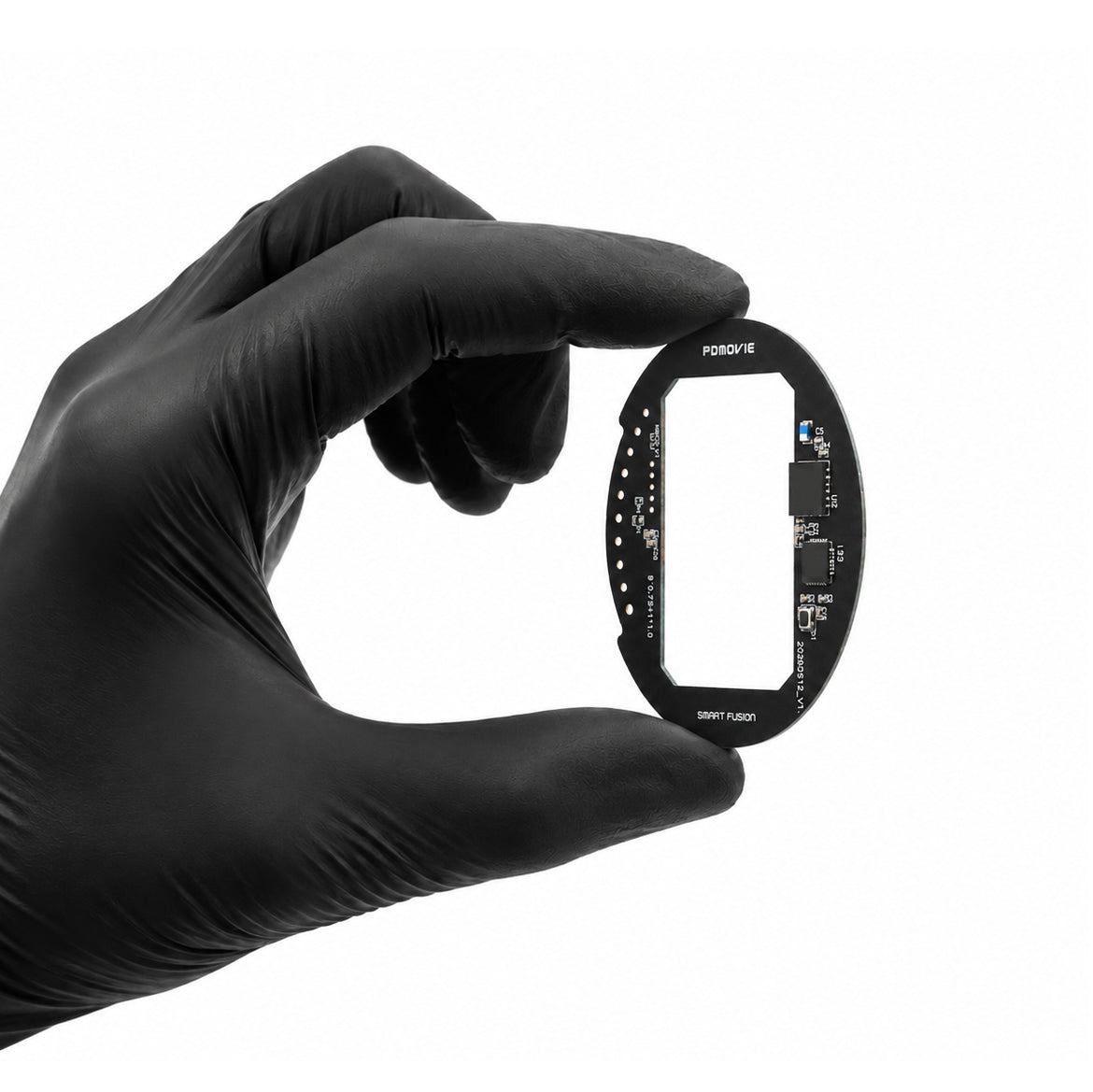
The original design of SMART FUSION had already achieved an industry-leading level of compactness and lightweight performance, representing a unique breakthrough in miniaturization. But we did not stop there.
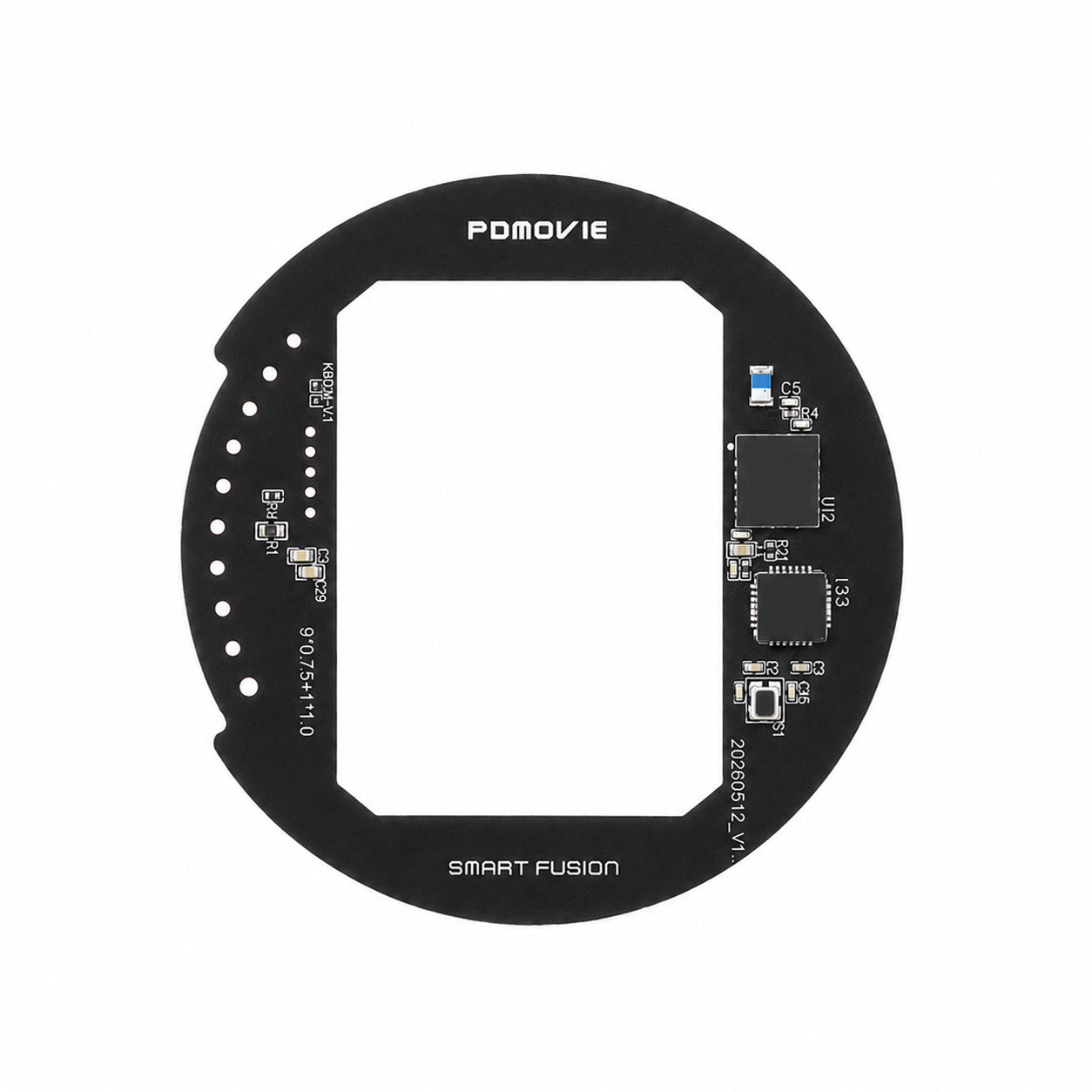
To further reduce the burden on the setup and improve the user experience, we overcame multiple challenges in structural and electronic design. As a result, SMART FUSION has been further optimized into an even thinner and lighter form than a coin, with its weight dramatically reduced compared with the first generation, achieving an almost hundredfold level of weight reduction.
This allows more users to experience this camera integration system at a lower cost.
Powerful Performance in a Slim Body
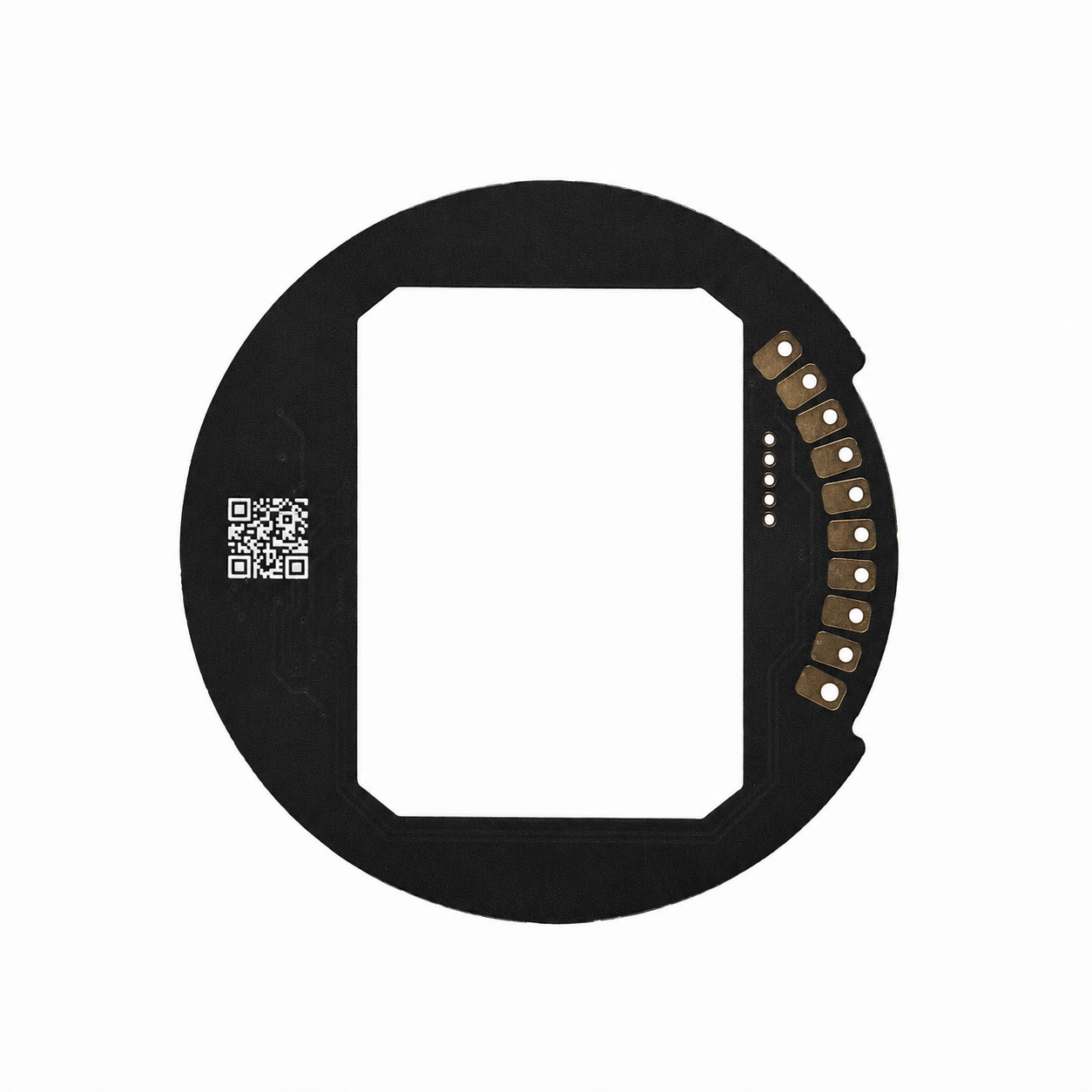
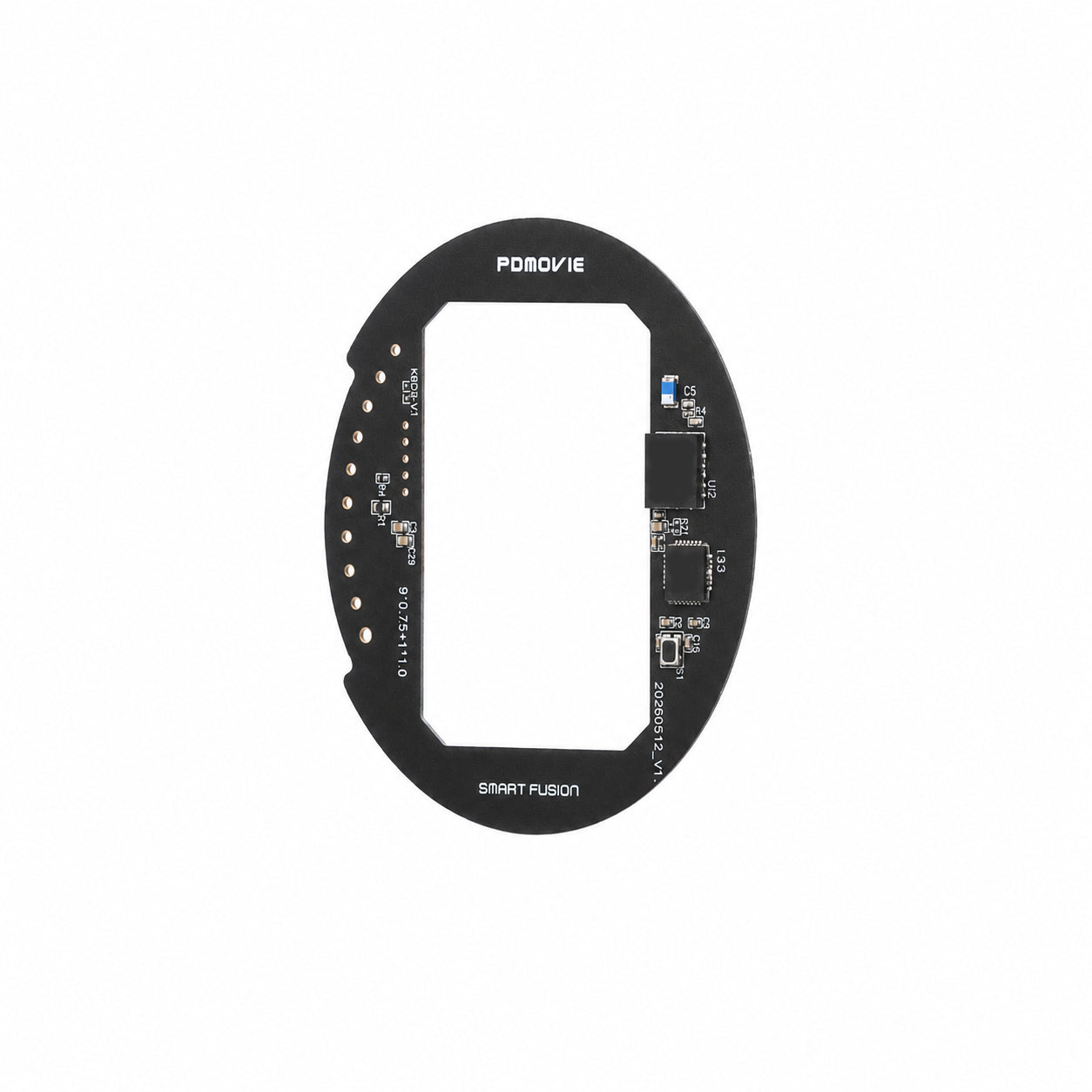
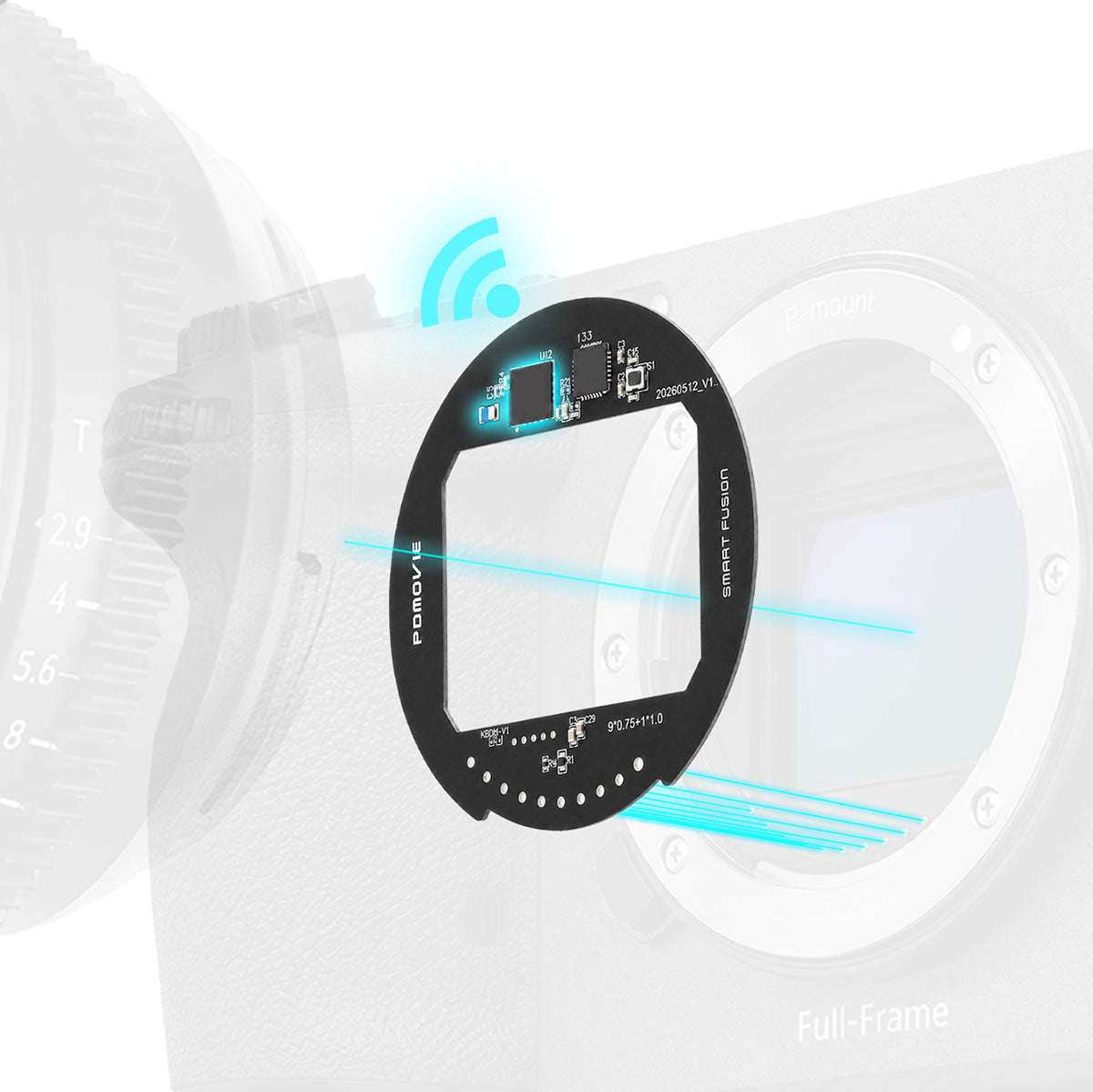
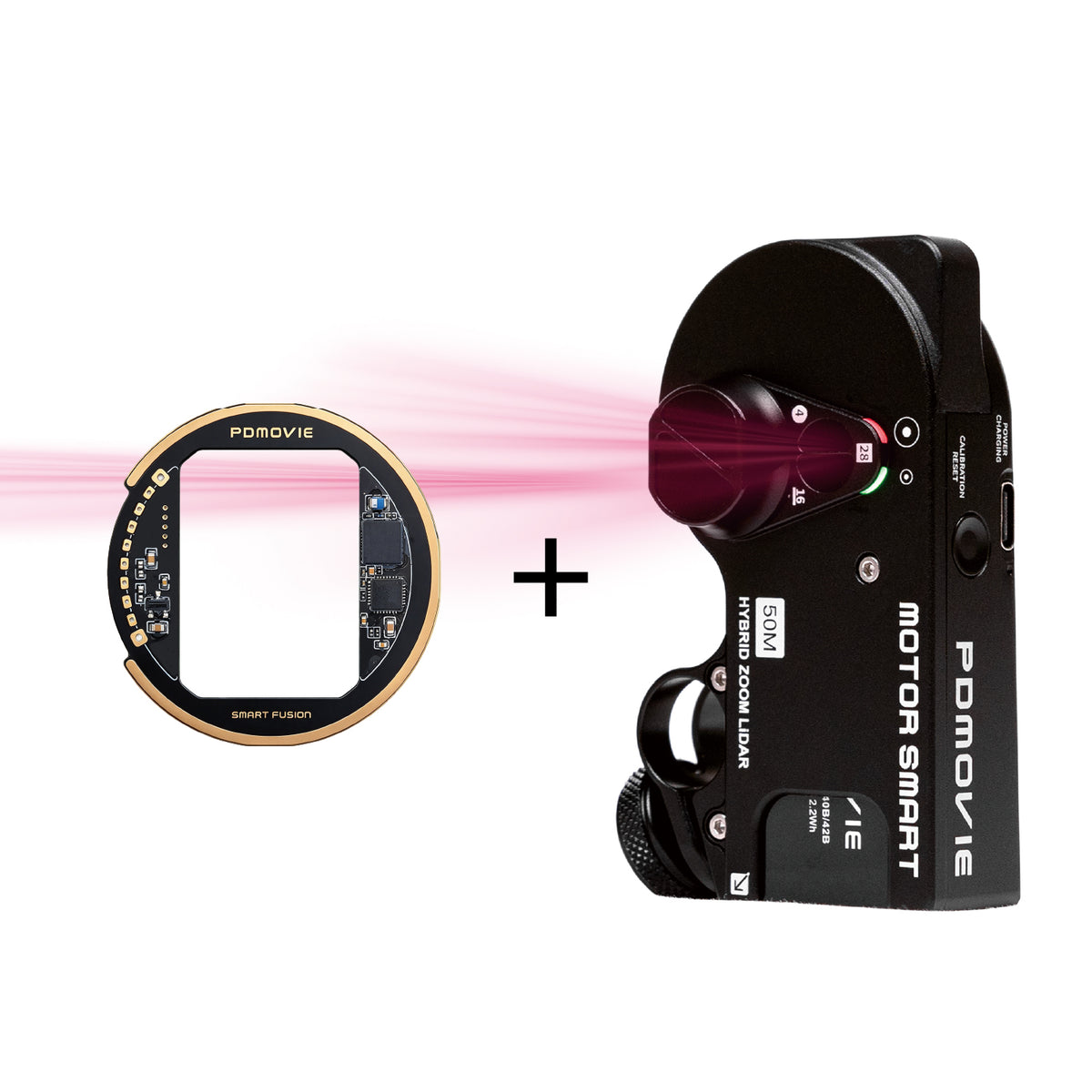
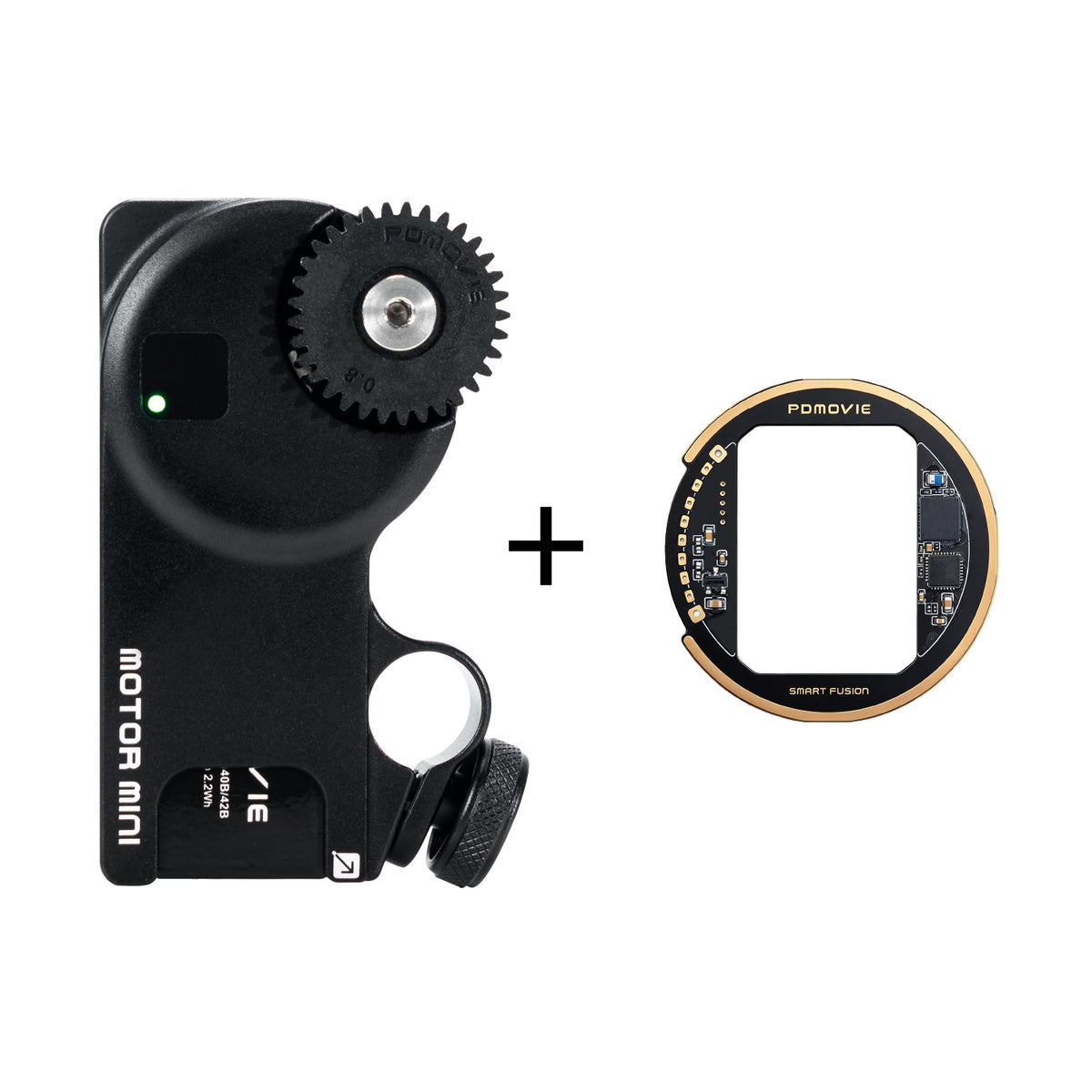
SMART FUSION weighs only 1.2 g and measures just DIA 46.7 mm × THK 0.4 mm. Inside its slim and compact body, it integrates a chip, Bluetooth module, antenna, and multiple electronic components.


Wireless Transmission
SMART FUSION first establishes communication with the camera, then wirelessly connects to the LiDAR motor through its antenna and Bluetooth modules. This allows focus commands sent from the camera to drive the motor.


Twist, Press, and You’re Ready
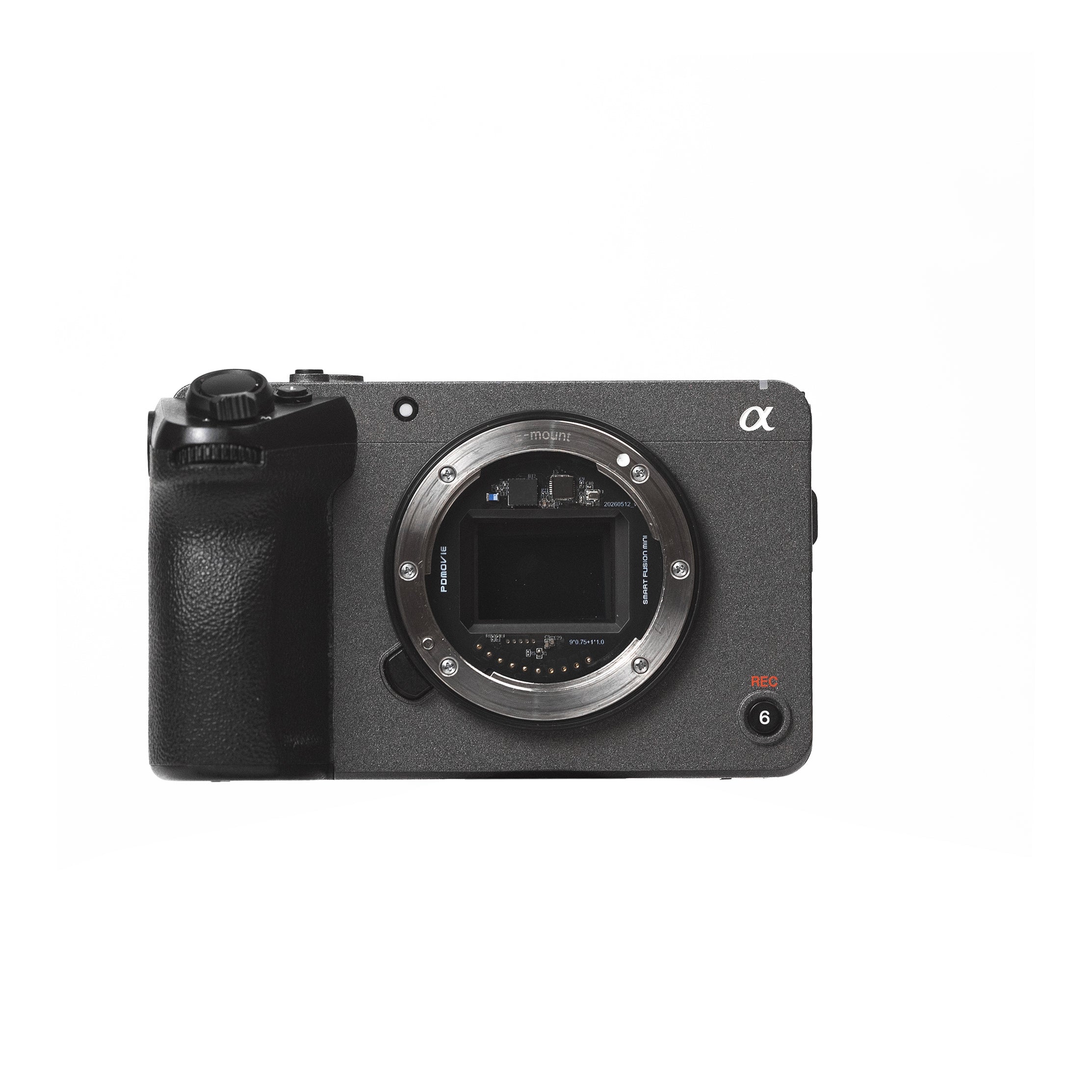
Simply place SMART FUSION inside the Sony E-mount to complete the installation. It is powered directly by the camera body, with no additional battery required. Once the camera is turned on, SMART FUSION starts automatically, providing stable communication support between the LIVE AIR 4 SMART LiDAR motor and Sony cameras.
No Additional Lens Autofocus Data Calibration Required
With SMART FUSION, there’s no need for additional autofocus data calibration for your lens. Installation and setup are simple, so you’re ready to shoot in no time.
Broad Lens Compatibility
SMART FUSION supports most manual focus lenses that are native to E-mount or adapted to E-mount, including PL-mount cine lenses and M-mount manual focus lenses. It enables camera-controlled touch focus and autofocus with these lenses. *When using SMART FUSION, do not mount lenses or adapters with electronic contacts.


Native-Like Focus Control
Any focus mode supported by Sony cameras, such as Wide AF, Spot Focus, Zone Focus, Focus Lock, and Tracking, can be used just like with a native autofocus lens. You can control focus by tapping the screen or half-pressing the camera shutter button.
F-Number Function Mapping


*The initial camera f-number settings listed in this table for matching lens focal lengths are based on the lens’s physical aperture being fully open. If the physical aperture is stopped down, lower the camera’s f-number accordingly to achieve the optimal focusing speed.
*Mount dimensions may vary between lenses and mount adapters, so the camera’s f-number should be fine-tuned for the actual setup.
*For an anamorphic lens, first calculate the equivalent focal length of a spherical lens based on its squeeze factor, then determine the camera’s initial f-number.
Standard Lens Setup
Once powered on, SMART FUSION automatically connects to the motor and calibrates the lens travel. It is ready to use once calibration is complete, with no additional lens calibration required.
When using SMART FUSION, adjust the camera's F-number to match the lens focal length. Reference: F-number × 10 = focal length (mm).
For example, set a 14 mm lens to F1.4. If the exact F-number is unavailable, select the closest one. For focal lengths of 150 mm or longer, simply set F16.


Anamorphic Lens Setup
If you are using an anamorphic lens, first calculate its effective horizontal focal length before setting the camera’s F-number.
For example, a 75mm 1.6x anamorphic lens has an effective horizontal focal length of:
75 ÷ 1.6 = 47mm
Therefore, the starting F-number for this lens should be set to F4.5.
*When using an anamorphic lens, enabling the camera’s face-priority autofocus tracking increases the processing load and may slow down focus tracking. We recommend setting the focus area to Wide and disabling the camera’s face-priority function.


Quickly Adjust Focusing Speed
Adjust the camera’s F-number to quickly change your lens’s focusing speed. From the initial setting, lower the F-number by two or more steps for faster focusing, or raise it by two or more steps for gentler, smoother focus transitions.
(Before making these adjustments, we recommend setting the motor to high speed and the camera’s AF Transition Speed to 7.)


LiDAR AutoFocus - F20
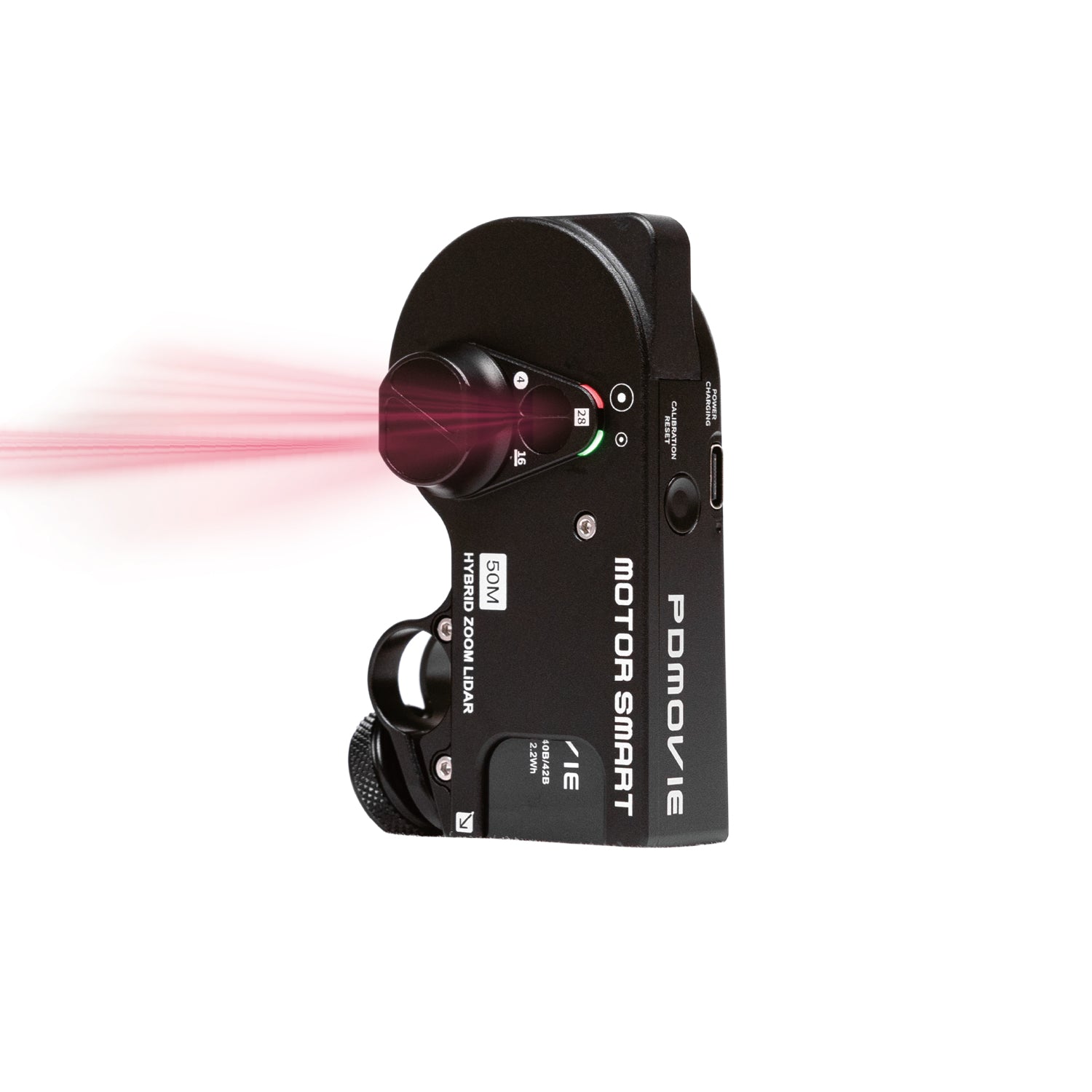
When the camera’s f-number is set to F20, camera focus control is disabled and returned to the motor. The motor’s built-in LiDAR autofocus functions are then available.
For example, if the motor is in Hybrid Focusing Mode or Narrow-Beam Focusing Mode, it automatically switches to LiDAR AF Near-Focus Mode.
Note: LiDAR autofocus cannot be activated unless lens data has been preset in the motor.
Wireless Manual Focus - F22
When the camera’s f-number is set to F22, the motor disconnects from SMART FUSION. You can then power on the wireless controller to connect it to the motor and manually control the lens focus.
Currently, SMART FUSION supports only Sony Alpha and FX series cameras with a traditional locking E-mount, such as the FX3 and FX30. The camera must be set to Movie mode.
Please check the "Compatible Cameras" below.
SMART FUSION: Supported Sony Cameras
Cinema Line Cameras:
• ILME-FX6 (2020)
• ILME-FX3 (2021)
• ILME-FR7 (2022)
• ILME-FX30 (2022)
• ILME-FX2 (2024)
• ILME-FX5 (2026)
Alpha full-frame Cameras:
• ILME-7SM3 (A7S3) (2020)
• ILME-7C (A7C) (2020)
• ILME-1 (A1) (2021)
• ILCE-7M4 (A7M4) (2021)
• ILCE-7CM2 (A7C II) (2023)
• ILCE-7CR (A7CR) (2023)
• ILCE-7RM5 (A7R5) (2023)
• ILCE-9M3 (A9M3) (2023)
• ILCE-7M5 (A7M5) (2025)
Alpha APS-C / VLog Cameras:
• ILCE-ZV-E10 (2021)
• ILCE-ZV-E1 (2023)
• ILCE-6700 (A6700) (2023)
• ILCE-ZV-E10M2 (2024)
Note: SMART FUSION only supports Sony camera models released from 2020 to the present. Not compatible with the Sony FX9 or BURANO.
Size: DIA 46.7 mm × THK 0.4 mm
Weight: 1.2 g
Connection:Bluetooth
Power Supply: Powered by the camera
Supported Motor Model: LIVE AIR 4 SMART PD-BTMP-SPM and The bundle includes a LIVE AIR 3 (PD-BTMP-N) motor equipped with a new high-speed communication module.
Please add Custom Tabs Block Panel blocks.
Versions of SMART FUSION for additional mounts, including RF, L, and Z, will be released in the future.


1.What is the difference between the PD-BTMP-N-SFE and PD-BTMP-SPM-SFE?
The main difference between the MOTOR MINI and MOTOR SMART is peak torque. The MOTOR MINI is a good choice if you’re shooting in conditions that aren’t extremely cold and your lens has a relatively short focus throw and a focus ring that turns easily.If you plan to use cinema lenses or lenses with stiffer focus rings, I’d recommend the PD-BTMP-SPM-SFE kit or a higher-tier kit for more reliable operation.
2.Does SMART FUSION have a battery? How is it powered?
SMART FUSION is powered directly by the Sony camera and does not contain a battery. We have implemented voltage and current protection to ensure that even during long-term operation, it consumes very little power from the camera.
3.How does SMART FUSION connect to the LiDAR motor? How does the camera control lens focus?
SMART FUSION connects wirelessly to the LiDAR motor via Bluetooth. We continue using the LIVE AIR 4 SMART lens database and utilize AI intelligent algorithms to simulate and generate real lens data. Once the camera is powered on, users only need to enable the autofocus function, and the motor can immediately perform autofocus operations. (The motor needs to learn the lens travel range once after powering on.)
4.Which cameras does SMART FUSION support?
SMART FUSION currently supports only compatible Sony camera models released from 2020 onward. See the Compatible Cameras list for supported models.
5.Which lenses does SMART FUSION support?
SMART FUSION supports all E-mount manual-focus lenses, as well as manual-focus lenses with other mounts used with passive mount adapters.
Some older lenses have focus rings that rotate in the opposite direction to conventional manual-focus lenses. You may need to reverse the motor's mounting orientation or briefly press the motor button seven times to reverse its rotation direction. This ensures SMART FUSION operates correctly.
6.Do I need to calibrate my lens or load preset lens data before using SMART FUSION?
No. When using SMART FUSION, the camera displays an f-number. Adjust this setting to match your lens's focal length.
The table below provides recommended starting f-numbers for different focal lengths. For example, start with F3.5 for a 35mm lens.
If the lens repeatedly hunts back and forth while focusing, increase the camera's f-number step by step until focusing stabilizes. If focusing is too slow, decrease the f-number step by step until you reach a suitable speed.
6-1.Can I use anamorphic lenses? Is the setup the same?
When using an anamorphic lens, please refer to the illustration below to set the camera’s initial F-number.
* Also, please make sure the camera’s anamorphic de-squeeze function is turned off. AF-C (continuous autofocus) cannot be selected when this function is enabled.

7.How do I adjust focusing speed when using SMART FUSION?
Focusing speed is affected by four factors:
1. Camera AF Transition Speed: Recommended setting: 7.
2. Camera AF Subj. Shift Sensitivity: Recommended setting: 5.
3. Camera f-number: Setting it higher than the recommended value for your lens's focal length slows focusing.
4. Motor rotation speed: Recommended setting: High.
We recommend using the settings above for items 1, 2, and 4, then fine-tuning focusing speed with the camera's f-number. Increase the f-number to slow focusing down, or decrease it to speed focusing up.
You can also adjust focusing speed directly through the motor's rotation speed setting.
8.What should I do if the focusing speed is sometimes normal but becomes slower at other times when using SMART FUSION?
If all other settings are correct and the lens suddenly focuses more slowly, it is usually because the lens’s physical aperture has been stopped down. The official reference table for lens focal lengths and camera f-numbers is based on the lens aperture being fully open.
For example, when the lens aperture is changed from T1.5 to T5.6, the focusing speed will also decrease. In this case, lower the camera’s f-number step by step to increase the focusing speed.
When the lens aperture is fully opened again, restore the camera’s f-number to its original setting.
9.Will SMART FUSION affect lens or adapter installation?
E-mount dimensions vary slightly among manual focus lenses and adapters from different brands. Some may therefore require a little extra force to rotate into place during installation. This is normal.
Note:
When using SMART FUSION, do not mount lenses or adapters with electronic contacts.
If a lens or adapter cannot be fully seated in the camera mount, or if you feel significant resistance when rotating it into place, we recommend stopping installation immediately and checking whether SMART FUSION is touching the rear of the lens.
10.Which model of LIVE AIR 4 SMART should I purchase?
It depends on your shooting needs. Every model of LIVE AIR 4 SMART includes a LiDAR motor, and all of them can be used together with SMART FUSION for Sony Alpha and FX series cameras.
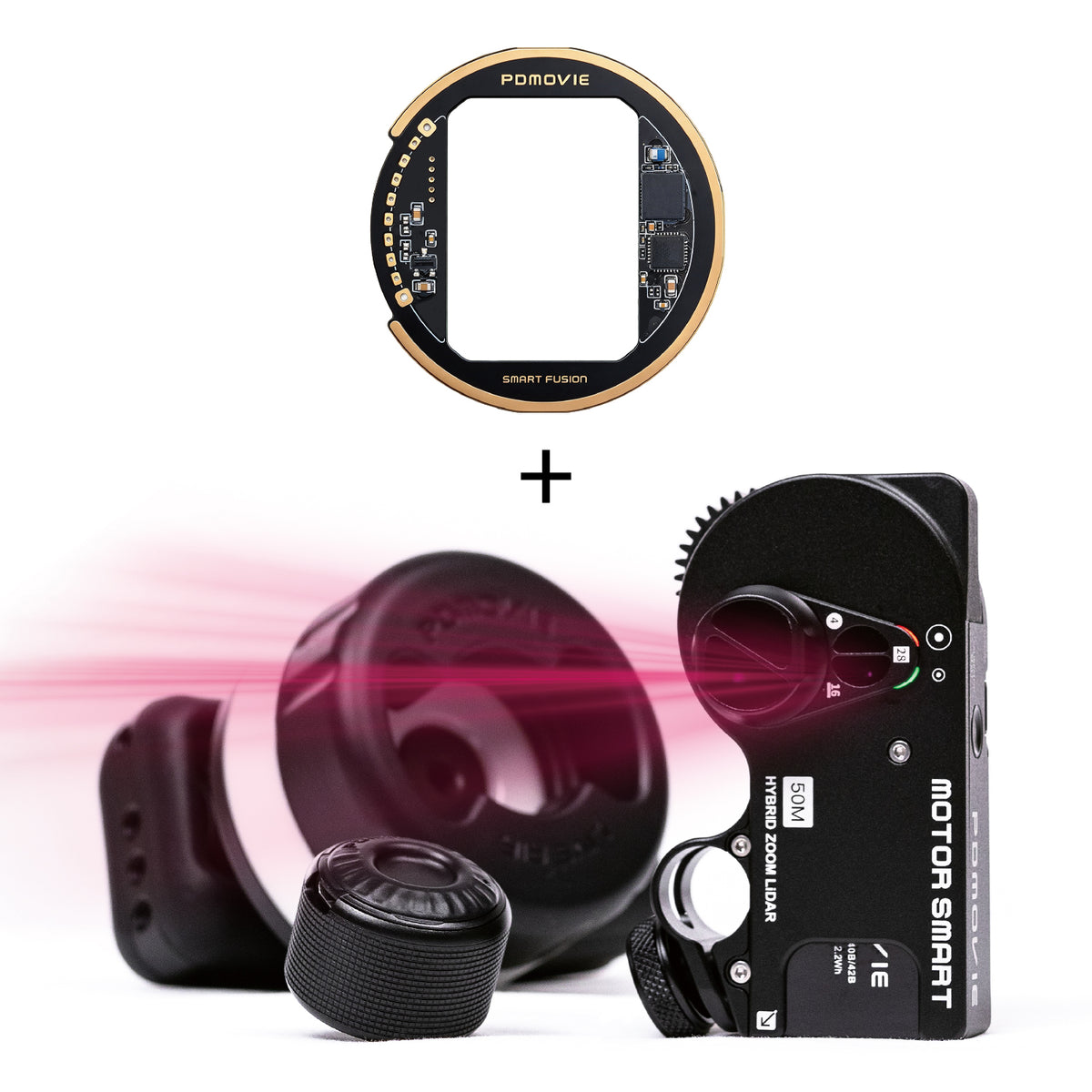
However, if you need wireless manual focus control, and you may also use the system with cameras from other brands, I would recommend choosing PDL-AFX-SPM or PDL-AFX-RA-SPM. Both models include a wireless handwheel controller, which can better meet your lens control needs during shooting.
If you do not need wireless manual control, you can simply purchase the PD-BTMP-SPM version of LIVE AIR 4 SMART. It can meet your Sony camera focus control needs when used with SMART FUSION. At the same time, if you also use it with non-Sony cameras, the LiDAR autofocus function built into the motor itself can also be a great support for your shooting.
Learn more about LIVE AIR 4 SMART
11.Does SMART FUSION only support LIVE AIR 4 SMART motors? Are older motors supported?
Unfortunately, due to hardware limitations, SMART FUSION only supports the LiDAR motors used with LIVE AIR 4 SMART.
请在 YouTube Playlist Gallery 内添加 YouTube Video Item。
SMART FUSION Officially Begins

After the 2026 NAB SHOW, we immediately held several internal meetings to thoroughly review and reassess the original SMART FUSION concept.
Based on customer feedback from the show, real-world usage scenarios, and the future direction of the product, we ultimately decided to fully optimize SMART FUSION and relaunch it in an entirely new form.
This is not just a simple adjustment, but a revolutionary upgrade in terms of structure, installation, and user experience. We look forward to introducing SMART FUSION as a lighter, more convenient, and safer solution for our users.
SMART FUSION Debuts at the 2026 NAB Show 2026


It was a highly productive event, and we received a great deal of recognition and valuable feedback from customers.
We will compile the feedback and suggestions we received and discuss them internally to further improve SMART FUSION.
2026 New Product Launch - SMART FUSION
LIVE AIR 4 SMART New Member SMART FUSION

Native Sony "E" Mount Smart Adapter. Enhanced by Sony native portrait lock and high-speed LiDAR hybrid autofocus for ultra-fast portrait focus lock.
• Compatible with mainstream Sony Alpha and FX series cameras.
• Directly drives the LIVE AIR 4 SMART motor using native phase detection data.
• Supports wireless and wired communication, with full compatibility with native camera autofocus features (Real-time Recognition, Real-time Eye AF, Touch Tracking, etc.).
• Native E mount architecture, compatible with E mount manual lenses and E-to-PL adapter solutions.
• One-button switching between native camera autofocus, LiDAR autofocus, and manual focus control.
• USB-C expansion port, unlocking more possibilities for the future.
Pricing:
Regular price: $199
Pre-order price: $169
Existing LIVE AIR 4 SMART users receive an additional $30 discount.
Pre-order availability and more SMART FUSION details will be announced soon. Stay tuned for our latest updates!
You may also need
LIVE AIR 4 SMART
Sale priceFrom $289.00
Regular price$399.00
SMART FUSION
Sale priceFrom $89.00
Regular price$129.00
RIG AIR Lens Rod Ring
Sale priceFrom $29.00
Regular price$39.00
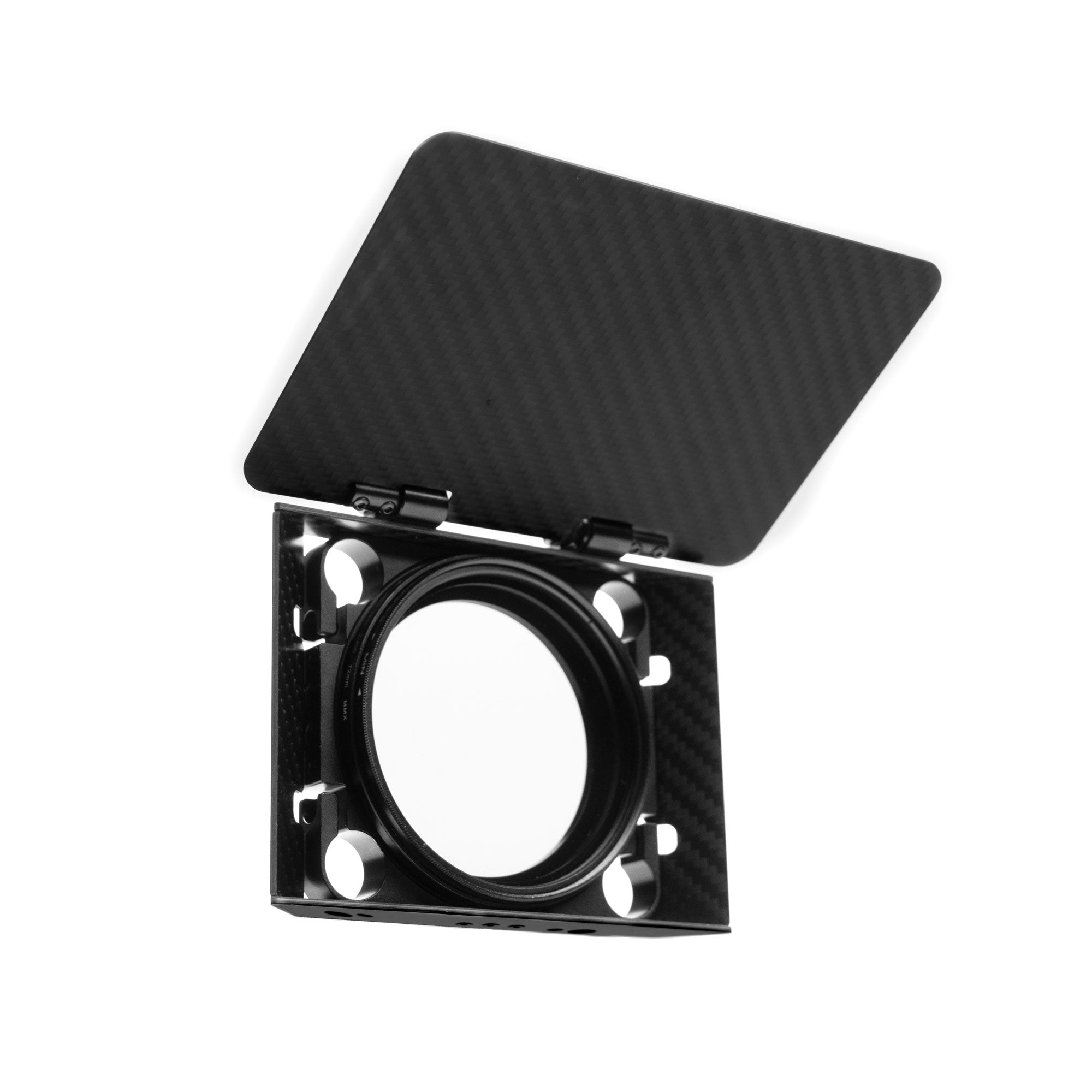
MINI MATTE BOX
Sale priceFrom $49.00
Regular price$69.00
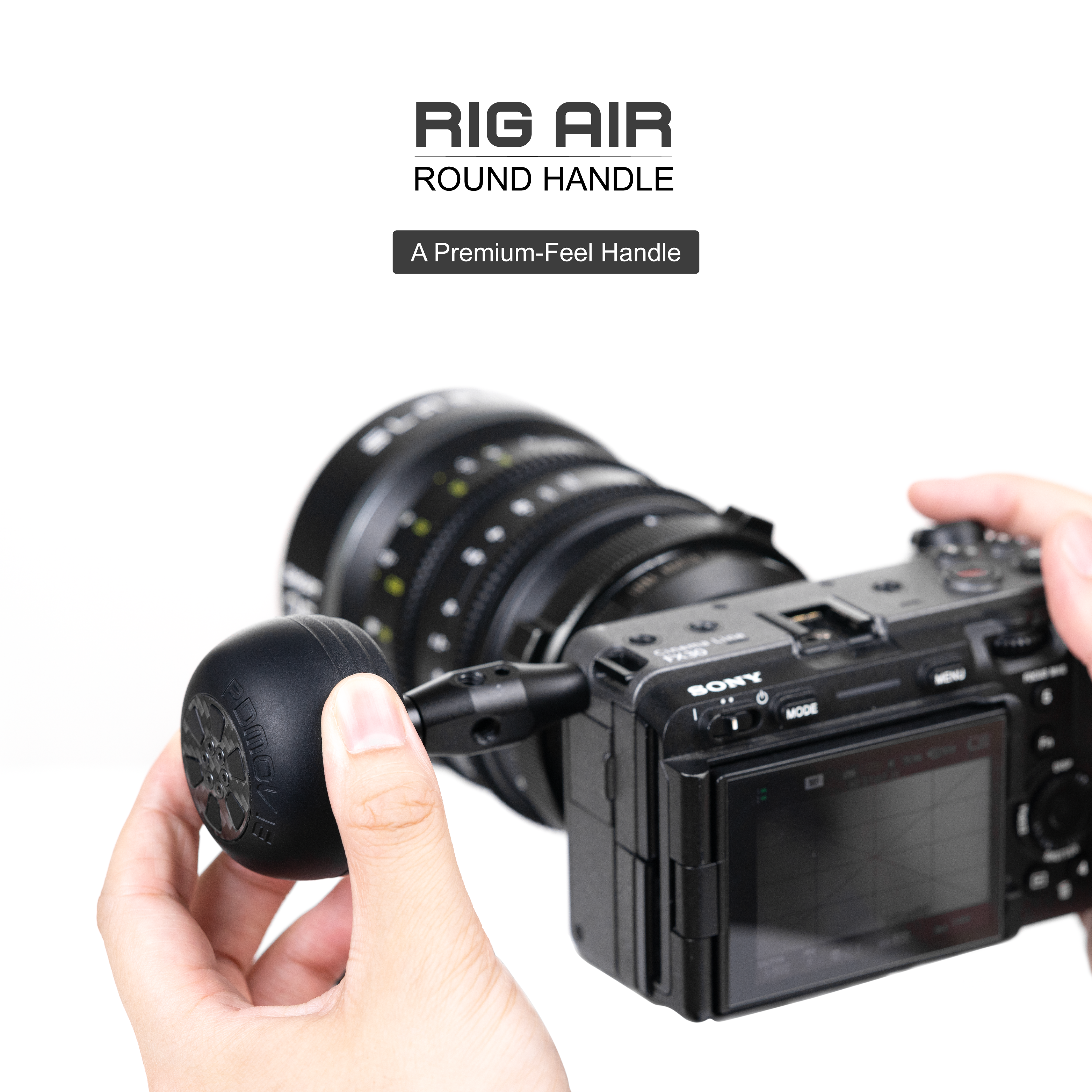
RIG AIR Round Handle
Sale priceFrom $23.00
Regular price$39.00
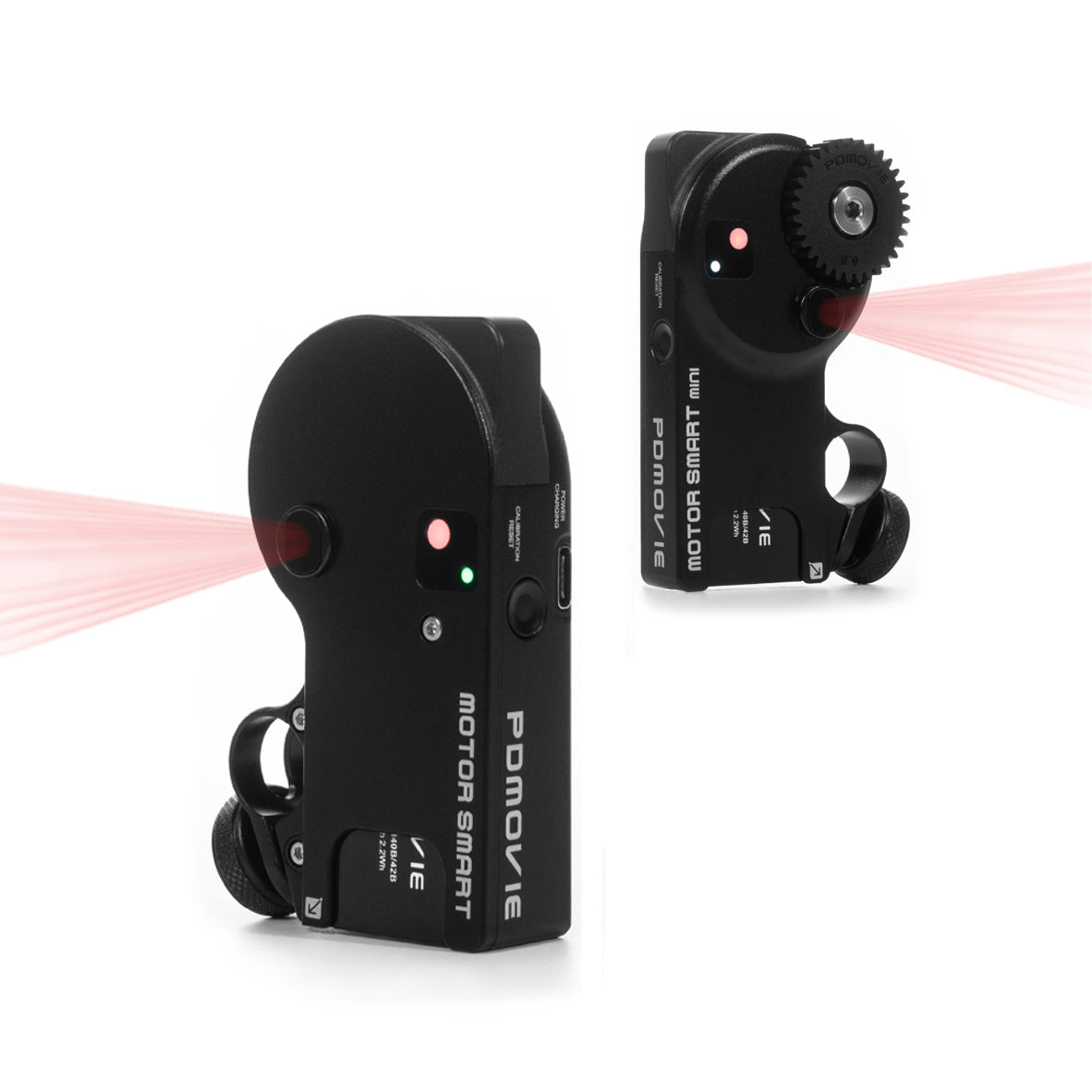
LIVE AIR 3 SMART
Sale priceFrom $169.00
Regular price$339.00

PDL-TC-AFX (Focus Wireless Controller)
Sale price$149.00
Regular price$179.00